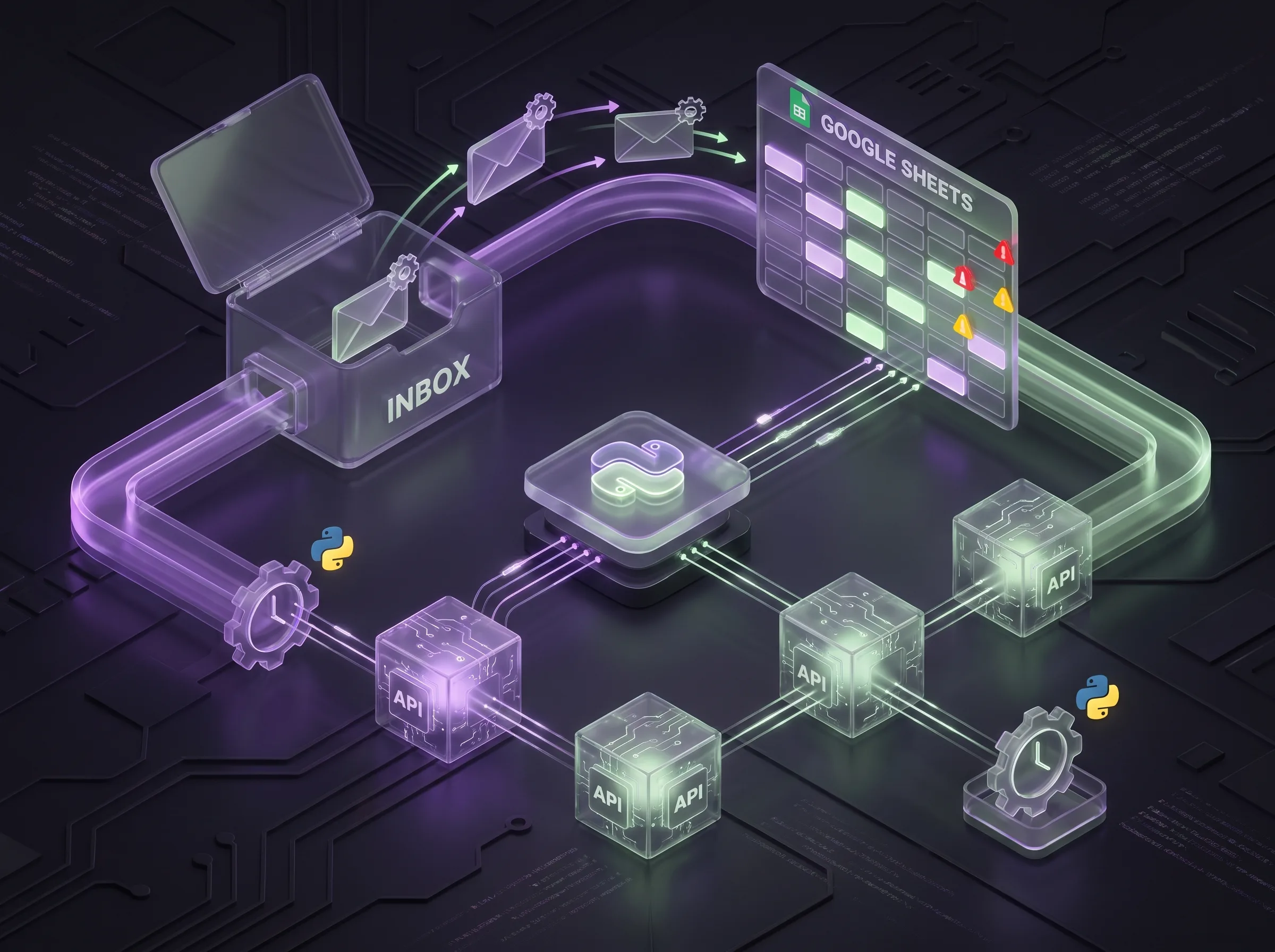
AI agents are the next step after simple chatbots. Instead of only answering questions, they do work — pull data, send updates, and follow business rules across your tools.
Real use cases
Customer support agent
- Reads incoming email or WhatsApp
- Looks up order status in database
- Replies with tracking info or escalates to human
Sales qualification agent
- Asks budget and timeline questions
- Scores leads hot/warm/cold
- Pushes qualified leads to Google Sheets or CRM
Internal ops agent
- Parses daily reports
- Summarizes for management Slack channel
- Flags anomalies (spend spikes, inventory low)
Architecture: agent = LLM + tools
User message → Agent orchestrator → LLM (plan + text)
                        ↓
              Tool calls (API, DB, email)
                        ↓
              Validated response → User
Python (LangChain, LlamaIndex, or custom) orchestrates tools. Always validate tool outputs before sending to customers.
Building blocks
| Component | Purpose |
|---|---|
| System prompt | Brand voice, rules, escalation |
| Knowledge base | FAQs, product docs (RAG) |
| Tools | HTTP APIs, SQL queries, file read |
| Memory | Short conversation history |
| Logging | Audit what the agent did |
Safety and guardrails
- Never give agents unrestricted database write access
- Require human approval for refunds or price changes
- Block PII leakage in logs
- Set token and cost limits per day
AI agent vs n8n automation
- n8n — great for fixed if-this-then-that workflows
- AI agents — better when inputs vary in natural language
Many projects combine both: n8n triggers, agent handles unstructured text.
Package and pricing
My AI Agent Development service ($199 intro pricing) includes architecture, LLM integration, 2–3 tool connections, and handover docs.
Related reading
References
- OpenAI API — Agents overview — LLM agent patterns
- n8n documentation — workflow automation platform
- Anthropic Claude documentation — alternative LLM provider